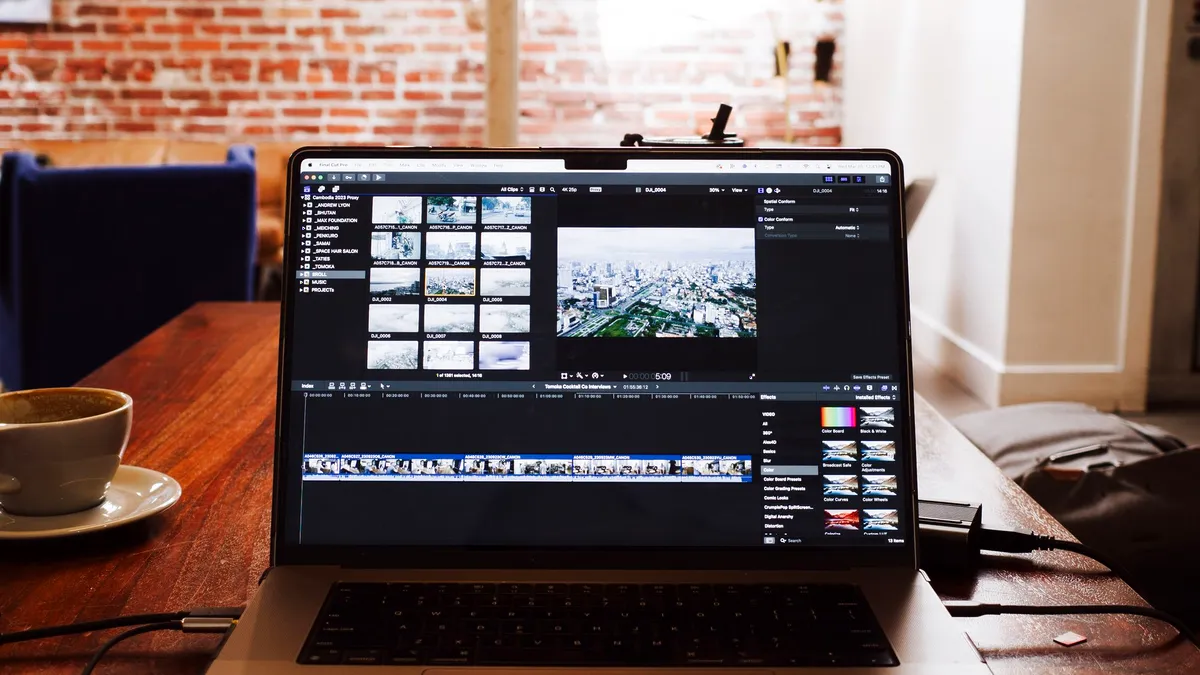

Convert MTS files for editing in iMovie
Create an Apple-friendly intermediate while keeping the camera frame rate and quality.
AVCHD camera and Blu-ray streams
Identify whether an MTS/M2TS file comes from an AVCHD camera card or a Blu-ray BDMV structure, then choose the right path for editing, joining, or playback. Use the complete source structure when playlists, metadata, audio, or subtitles matter. Browse MTS/M2TS guides.
MTS/M2TS workflow library
Camera AVCHD files and Blu-ray M2TS streams can share extensions but belong to different source structures.
Create an Apple-friendly intermediate while keeping the camera frame rate and quality.
Prepare AVCHD camera footage for broader playback, sharing and storage.
Prepare 1080p or 1080i AVCHD footage for a Final Cut Pro timeline.
Convert AVCHD clips when iMovie cannot reliably ingest the camera files.
Combine split camera recordings while preserving a consistent frame rate and audio layout.
Choose a usable 2D or 3D output for editing and display compatibility.
Prepare AVCHD camera footage for an Avid editing workflow.
Preserve the original clips before choosing an Apple editing format.
Keep motion cadence consistent when converting high-frame-rate camera footage.
Prepare MTS footage when native decoding causes slow playback or import failures.
Move MTS/M2TS clips into an Avid-friendly editing workflow.
Convert AVCHD when the original camera stream produces unstable editing.
Create a device-friendly MP4 while retaining suitable resolution and audio.
Use a composition-friendly intermediate instead of a long-GOP camera stream.
Convert unsupported AVCHD variants for editing and color work.
Use the complete camera structure first, then convert only when the editor cannot use the source reliably.
Transcode camera footage when timeline decoding is slow or unreliable.
Prepare standalone camera streams for editing without requiring the complete AVCHD folder.
Convert the audio stream when Premiere reads the picture but not the camera sound.
Learn how the lighter camera profile differs in resolution, frame rate and compatibility.
Use the complete disc workflow when playlists, chapters, tracks and subtitles matter.
Read the disc structure first, then create a compatible phone or tablet copy.
Choose an MTS/M2TS path
A camera clip, an AVCHD package and a Blu-ray BDMV stream need different handling even when each contains an .m2ts file.
Determine whether the file came from a camera card, AVCHD folder or Blu-ray BDMV STREAM directory.
Keep playlists, clip information, chapters, audio and subtitles when the source structure provides them.
Match frame rate, scan type and codec to the editor, player or device that will use the output.
Connected workflows
Ready to prepare an MTS or M2TS source?