LosslessConverter

All your discs and media. One powerful workflow.

Digitize supported DVD and Blu-ray discs, folders, and ISO images, or convert, compress, extract, and edit video and audio. Keep the tracks and subtitles you need, with compatible hardware acceleration for supported jobs.

DVD & Blu-rayDisc/UHD/3D/ISO sources
1,000+Video/Audio formats
Full GPUHardware acceleration
Lossless / 4K / 8KHigh-resolution output
macOS 10.13+

The trial limits many processing jobs to the first three minutes. Review trial limits and compatibility.

A workflow for every kind of media

From a DVD or Blu-ray collection to a full batch of 8K footage, LosslessConverter keeps every media task in one clear workspace.

Everything in reach

Start with the task, not the technical setup

Open the app and go straight to DVD/Blu-ray ripping, video or audio conversion, compression, watermark editing, extraction, merging, or GIF creation.

  • Disc, folder, ISO, video, audio, and image sources
  • Batch conversion without repetitive setup
  • Detailed controls when you need them

Bring an entire disc library into your digital workflow

Read homemade and commercial DVD or Blu-ray sources, including discs, VIDEO_TS/BDMV/BDAV/AVCHD folders, and ISO images. Supported decryption handles region codes and common protections such as APS, CSS, ARccOS, CPRM, AACS, BD+, AACS Bus Encryption, and Cinavia.

  • Choose a supported lossless profile: retain compatible chapters, selected audio tracks, and subtitles in a DVD or Blu-ray output.
  • Choose the right copy: rip to video/audio, save a complete disc folder, or create an ISO backup.
  • Prepare it for common devices: choose from 1,000+ media format combinations and presets for phones, tablets, TVs, and game consoles.
  • Finish before export: select titles and chapters, trim, crop, rotate, merge, apply filters, adjust effects, and add subtitles or watermarks.

Load

DiscDVD / Blu-ray
FolderVIDEO_TS / BDMV
ImageISO file
LosslessConverter

Create

Video / audioMP4, MKV, MOV, MP3
Disc folderComplete structure
ISO backup1:1 archive
Tracks & subtitles Hardware accelerated Up to 4K

Six more media tools, ready when you are

After digitizing a disc or importing a file, finish the most common video and audio jobs without bouncing between separate apps.

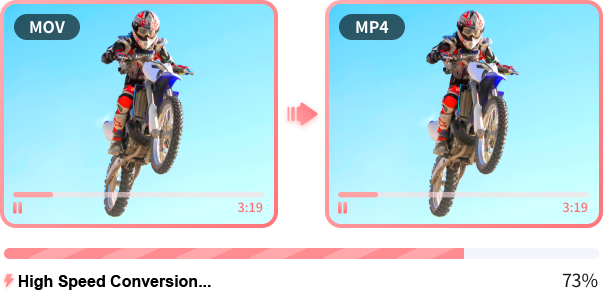
Convert supported video formats

Change containers, codecs, resolution, frame rate, and other output settings, including workflows for 4K and 8K files.

MOV to MP4 video conversion

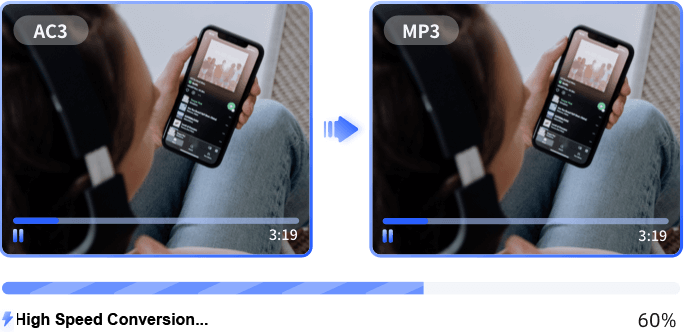
Convert supported audio formats

Prepare audio for phones, tablets, game consoles, music players, and editing workflows.

AC3 to MP3 audio conversion

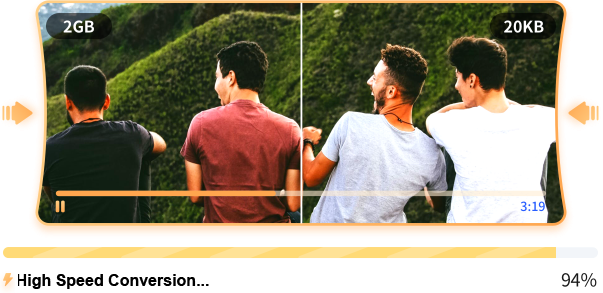
Control video size and quality

Set a target size or reduce 8K and 4K footage to 1080p with controls for codec, bitrate, frame rate, resolution, and quality.

LosslessConverter compression settings with target file size controls

Extract audio from video

Pull music, dialogue, or sound from supported video formats and save it in the audio format you need.

Audio extraction from a video

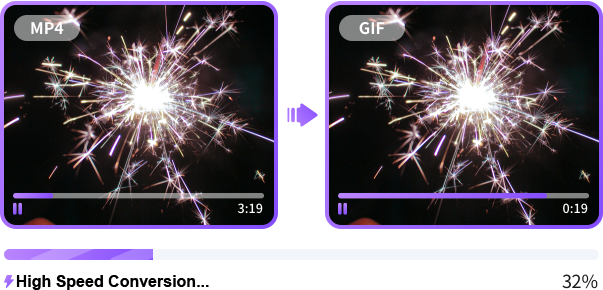
Make GIFs

Turn video clips and photos into animated GIFs with controls for size, frame rate, and output quality.

GIF creation from video frames

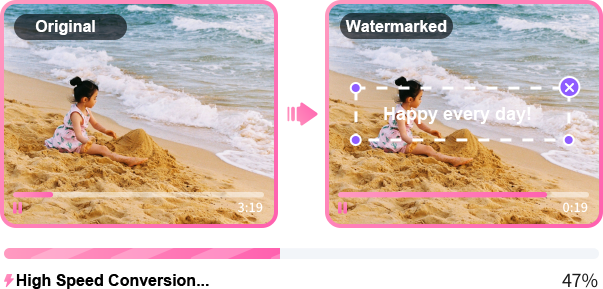
Edit with ease

Trim, crop, rotate, merge, adjust speed, add subtitles, or apply and remove watermarks.

Video watermark editing example

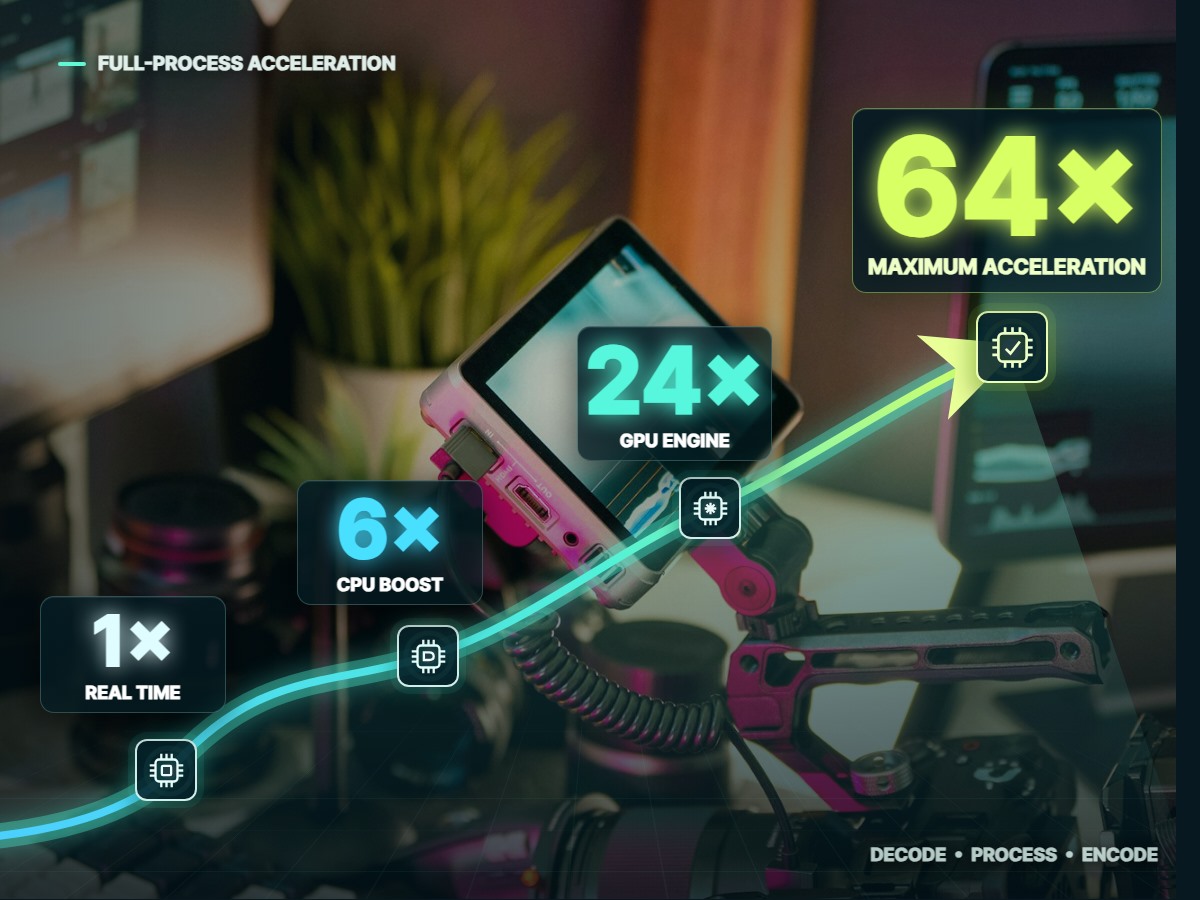
Full-process GPU & CPU Acceleration

LosslessConverter uses supported NVIDIA, AMD, Intel, and Apple silicon hardware to speed up decoding, processing, and encoding. Work through large HD, 4K, or 8K files with less waiting.

  • Automatic GPU and CPU detection
  • Hardware support for H.264, HEVC, AV1, VP9, and VP8 workflows
  • AI super resolution, frame interpolation, and stabilization on Windows

Check hardware compatibility

LosslessConverter hardware acceleration options shown over a video production workstation
DVDBDMVBDAVISOMP4MOVMKVWebMAVIMXFAV1HEVCProResFLACMP3WAVAACGIFM3U8

From disc or source file to finished media in three steps

01

Load your source

Insert a DVD or Blu-ray, open a VIDEO_TS/BDMV folder or ISO image, or import video, audio, images, and entire batches.

02

Choose the output format

Select video/audio, disc-folder, or ISO output. Choose a format or device preset, then adjust tracks, subtitles, resolution, bitrate, frame rate, and quality.

03

Rip, convert, and enjoy

Start the job and let hardware acceleration produce a portable file or complete backup ready for playback, editing, storage, or sharing.

Browse the complete user guide

Media conversion for the way you work

Film scene representing a DVD and Blu-ray collection

DVD & Blu-ray owners

Decrypt, rip, or back up discs as video, folders, or ISO images.

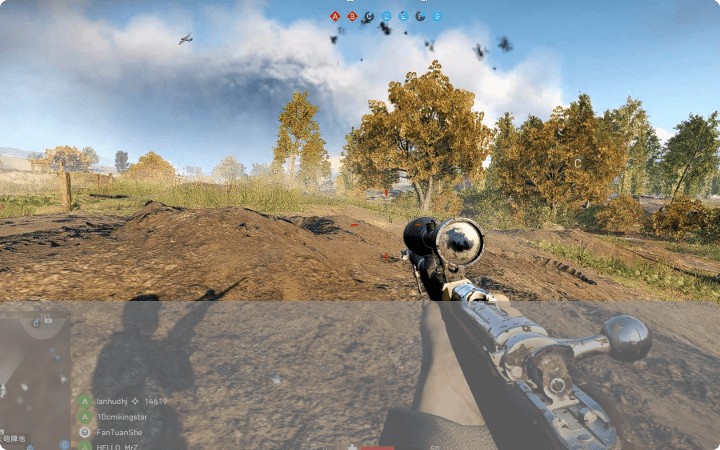
Sports and gaming video

Sports & game fans

Convert match footage and gameplay for smooth viewing on any screen.

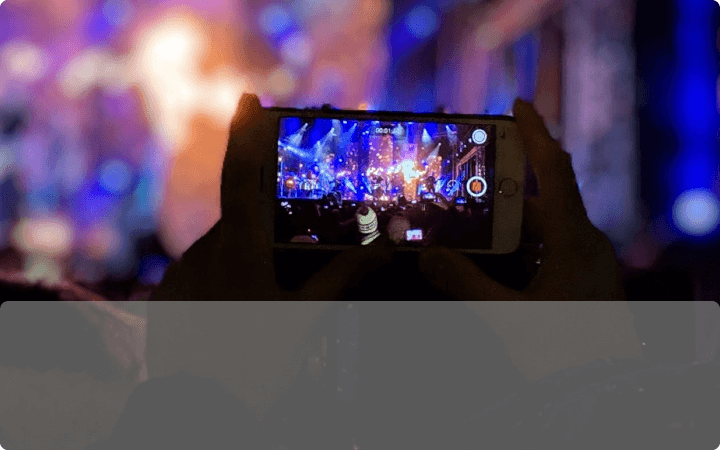
Concert video captured on a phone

Movie & music lovers

Move favorite films, concerts, and music to the devices you use.

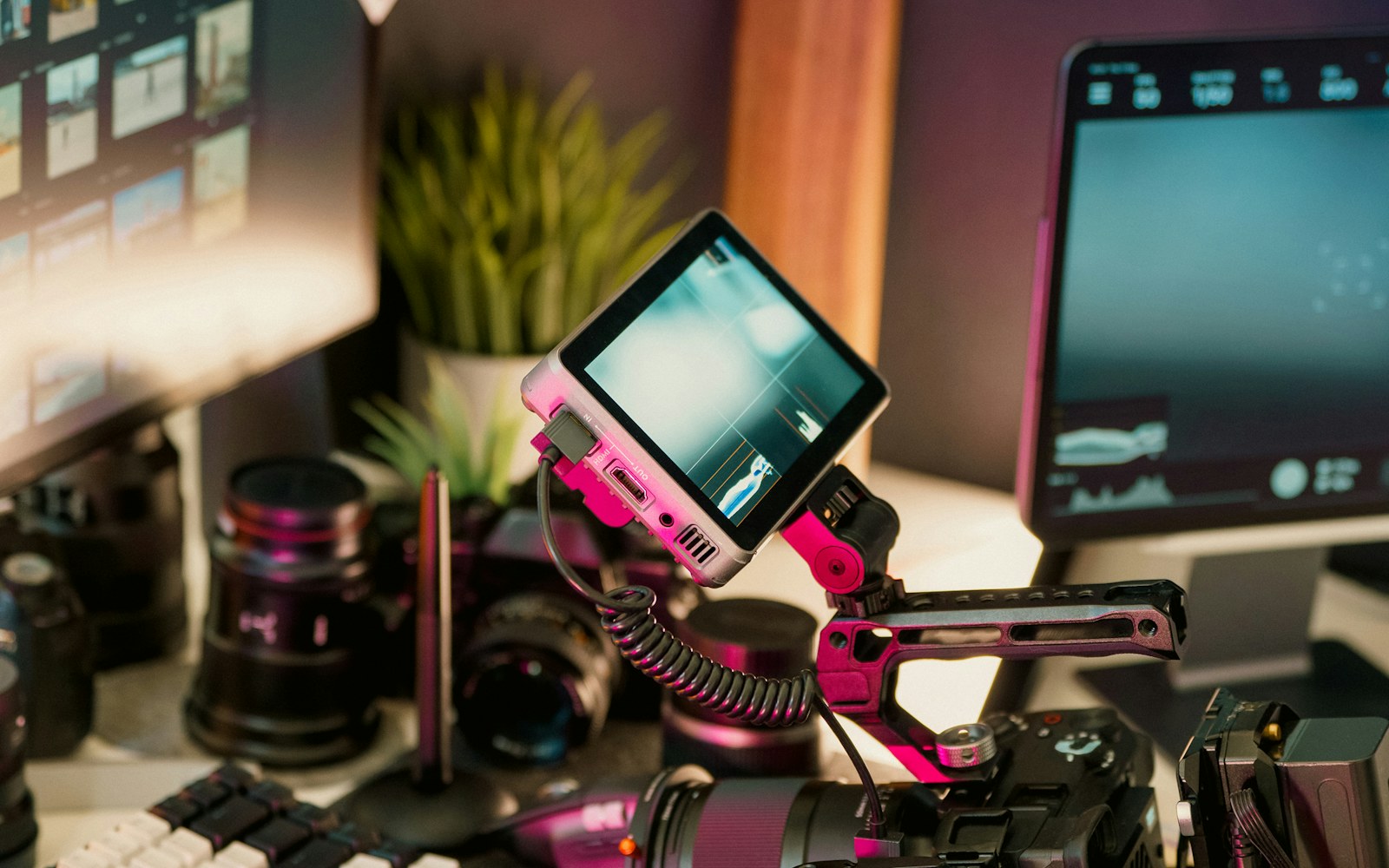
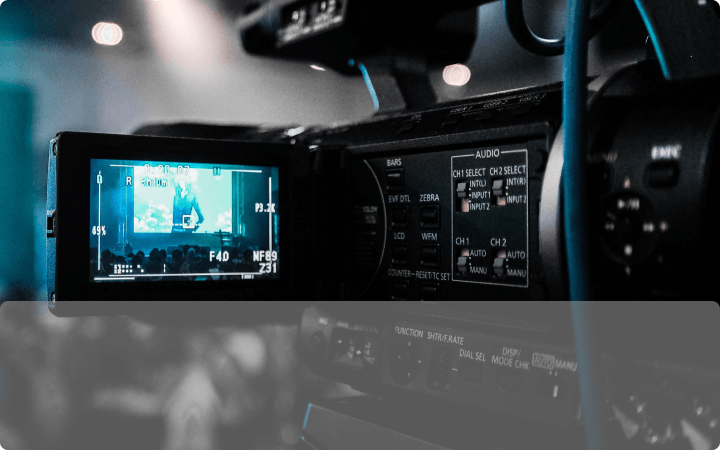
Camera used for professional and everyday video creation

Creators & producers

Compress, transcode, edit, and share professional or everyday footage.

Frequently asked questions

Browse all technical questions

Start using LosslessConverter

Download the free trial to check your sources, output options, and hardware compatibility before you buy. Many trial processing jobs are limited to the first three minutes.