How to Convert, Edit and Join 3D MTS files
In the camcorder market, 3D camcorders may be the new hot devices; users buy 3D camcorders to record unusual videos. Compared to 2D video, 3D video gives us an entirely new sensory experience, so it's great to have a 3D camcorder like Sony HDR-TD10, HDR-TD20VE, JVC GS-TD1, Panasonic HDC-SDT750 or Panasonic AG-3DA1.
If you have got a 3D camcorder and recorded lots of 3D AVCHD MTS files, you may want to watch the recorded 3D videos on HD TV, portable devices or just want to import these 3D AVCHD files in some None Linear Editing software like Adobe Premiere, Sony Vegas, Pinnacle Studio, etc for advanced editing. However, the 3D AVCHD MTS footage is not that easy to handle.
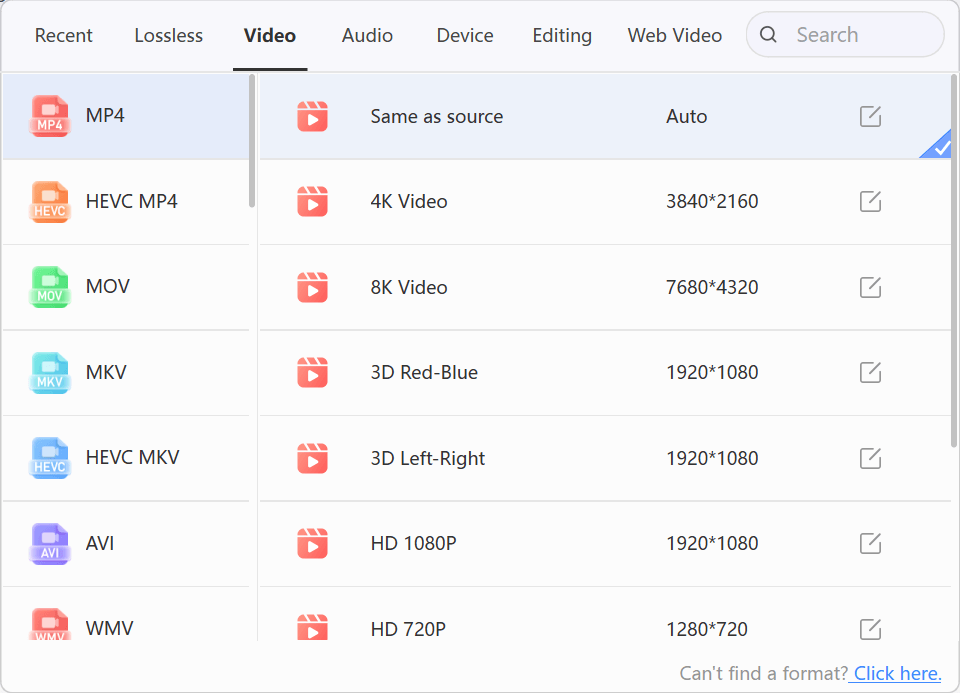
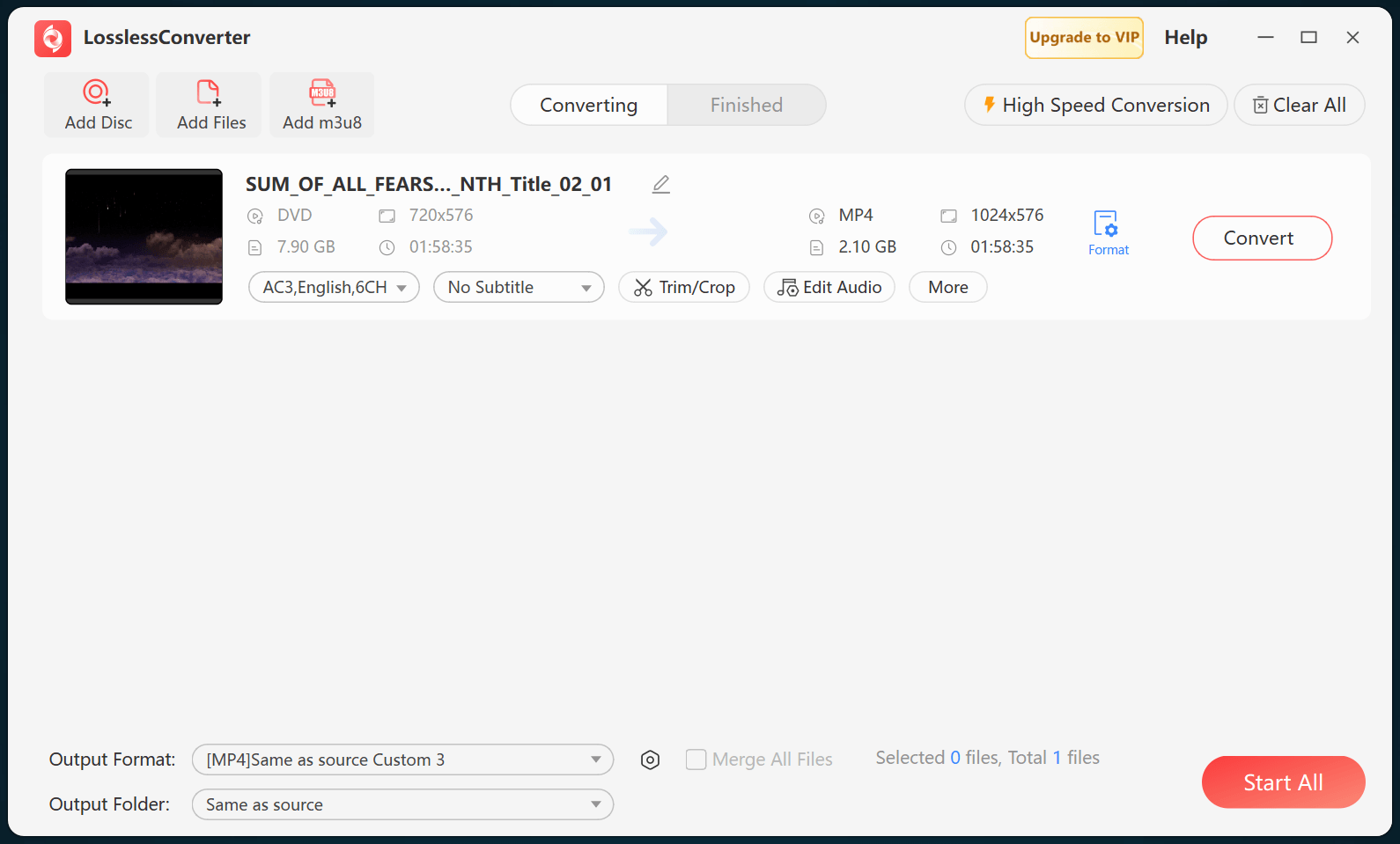
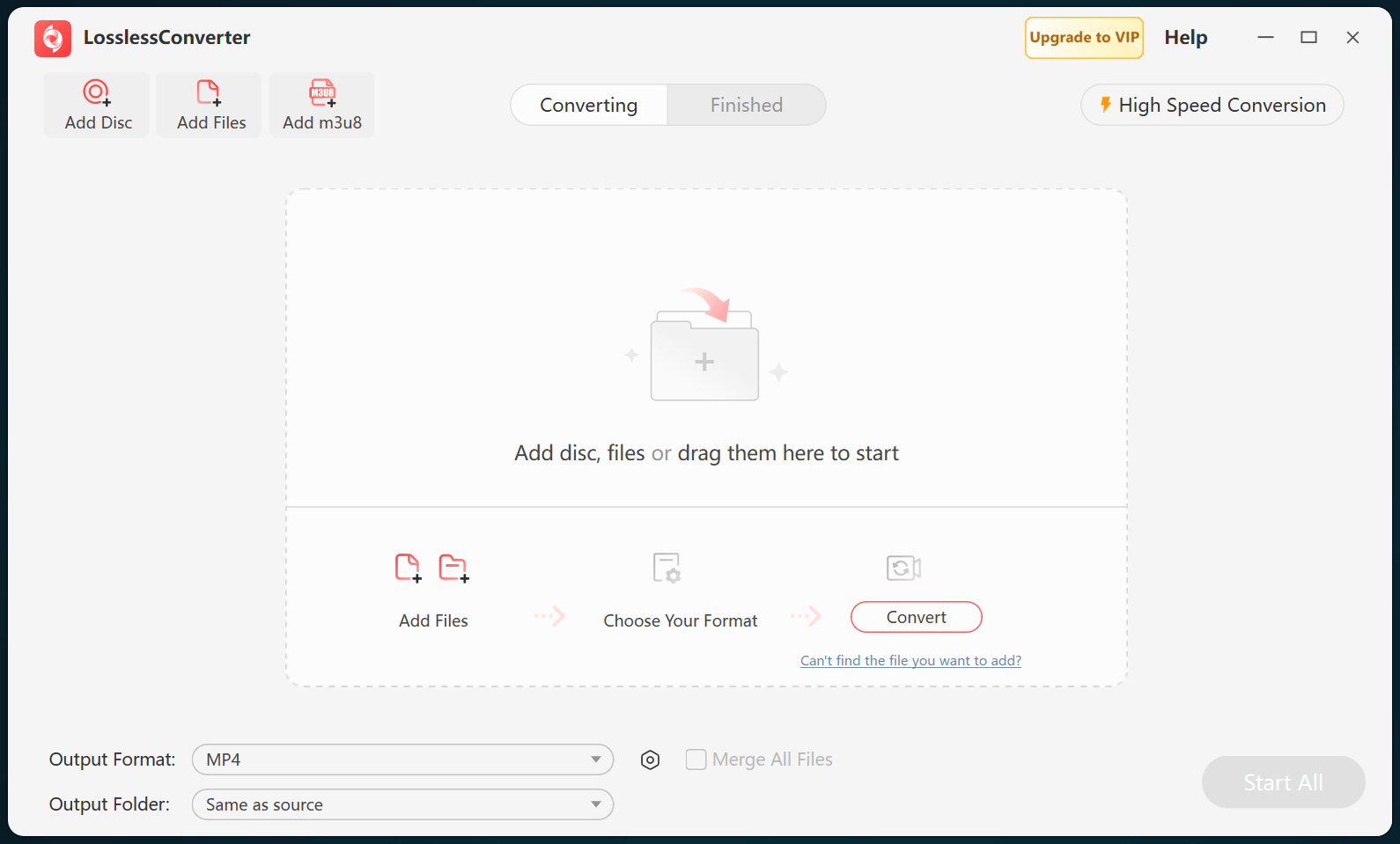
In fact, between 3D AVCHD video and regular AVCHD video, the camcorder happens to have two lenses next to each other and the two images are recorded to the single storage media. Most users found that even some video editing programs like Adobe Premiere Pro can recognize the 3D video, but Premiere only shows the left-eye image, not the whole images. In this case, we recommend you a quick workaround to transcode 3D AVCHD MTS files to a proper format for easy playback or editing with LosslessConverter 3D LosslessConverter.
How to transcode and merge 3D AVCHD MTS files