How to Convert and Import MPG files to Avid Media Composer
As one of the most popular non-linear editing systems, the Avid Media Composer allows for film editing, uncompressed standard definition (SD) video and high definition (HD) editing and finishing. Although Avid can support MPEG format, it's only based on MPEG-2(Long GOP), MPEG-4 codec. When you import MPG to Avid Media Composer but Avid don't accept it, that means the MPG codec is not compatible with the editing software. Here let's talk about how to get MPG files compatible with Avid.
As mentioned above, Avid MC generally can recognize MPG files. However, if your MPEG files are muxed (multiplexed) MPEG-1 or MPEG-2 videos, Avid Media Composer won't accept them because of the codec incompatibility. On this occasion, you need to convert MPEG to Avid compatible codecs, so as to edit your videos in Avid. To achieve that, a video conversion application that can convert MPEG files to Avid Media Composer is needed.
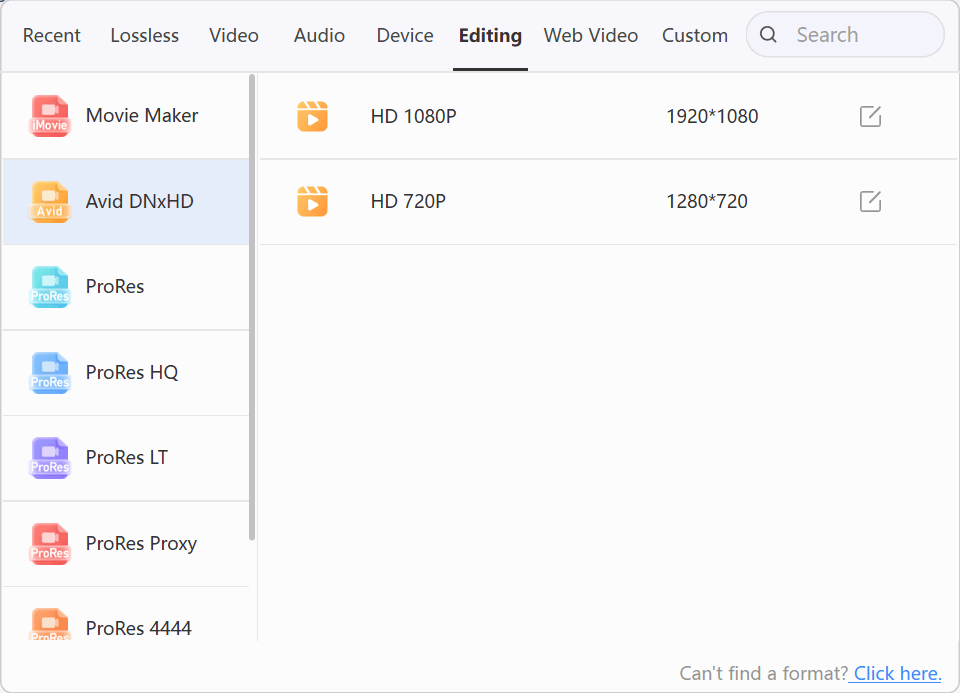
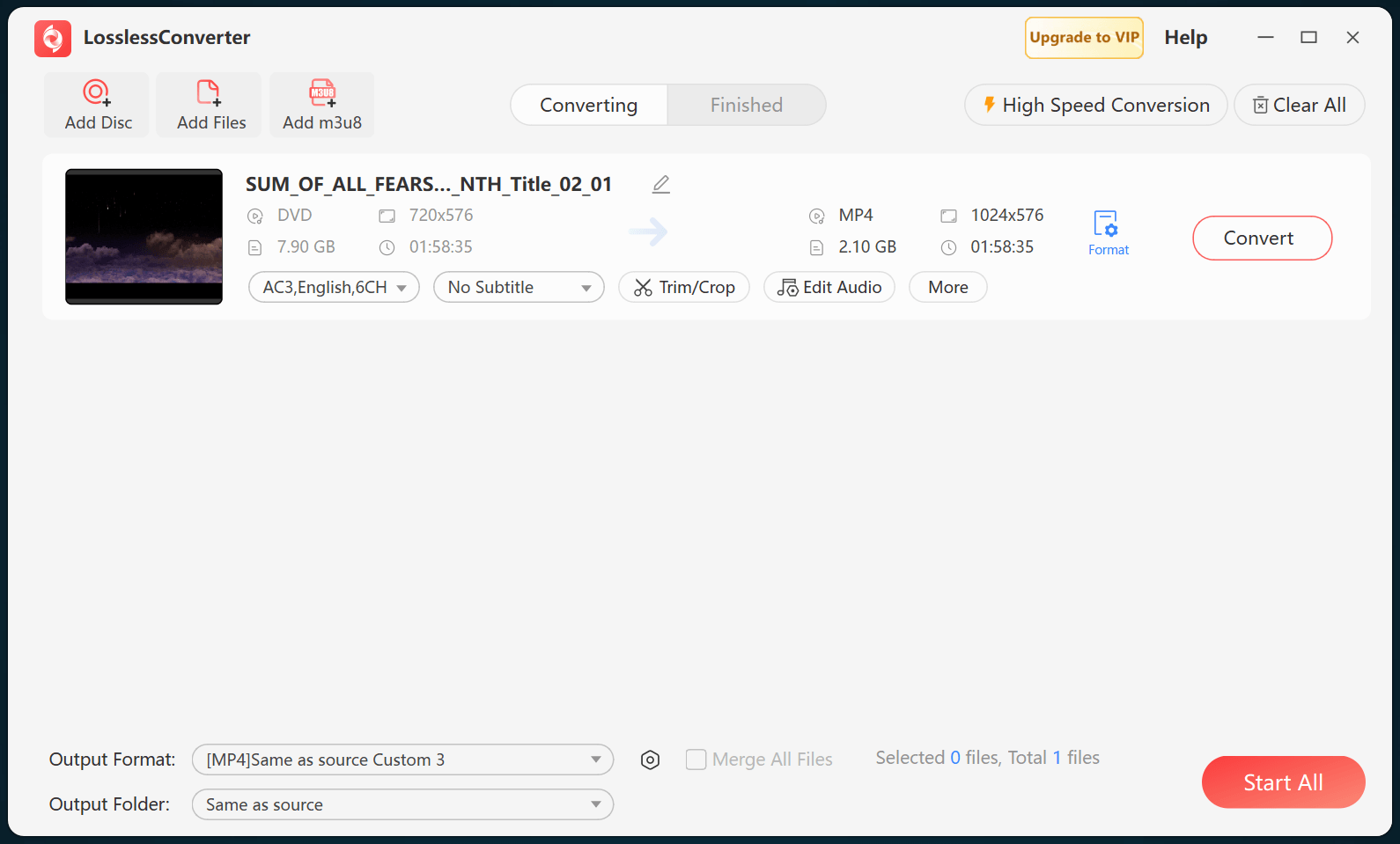
How to Convert MPG files to Avid DNxHD MOV