Identify the VOB source
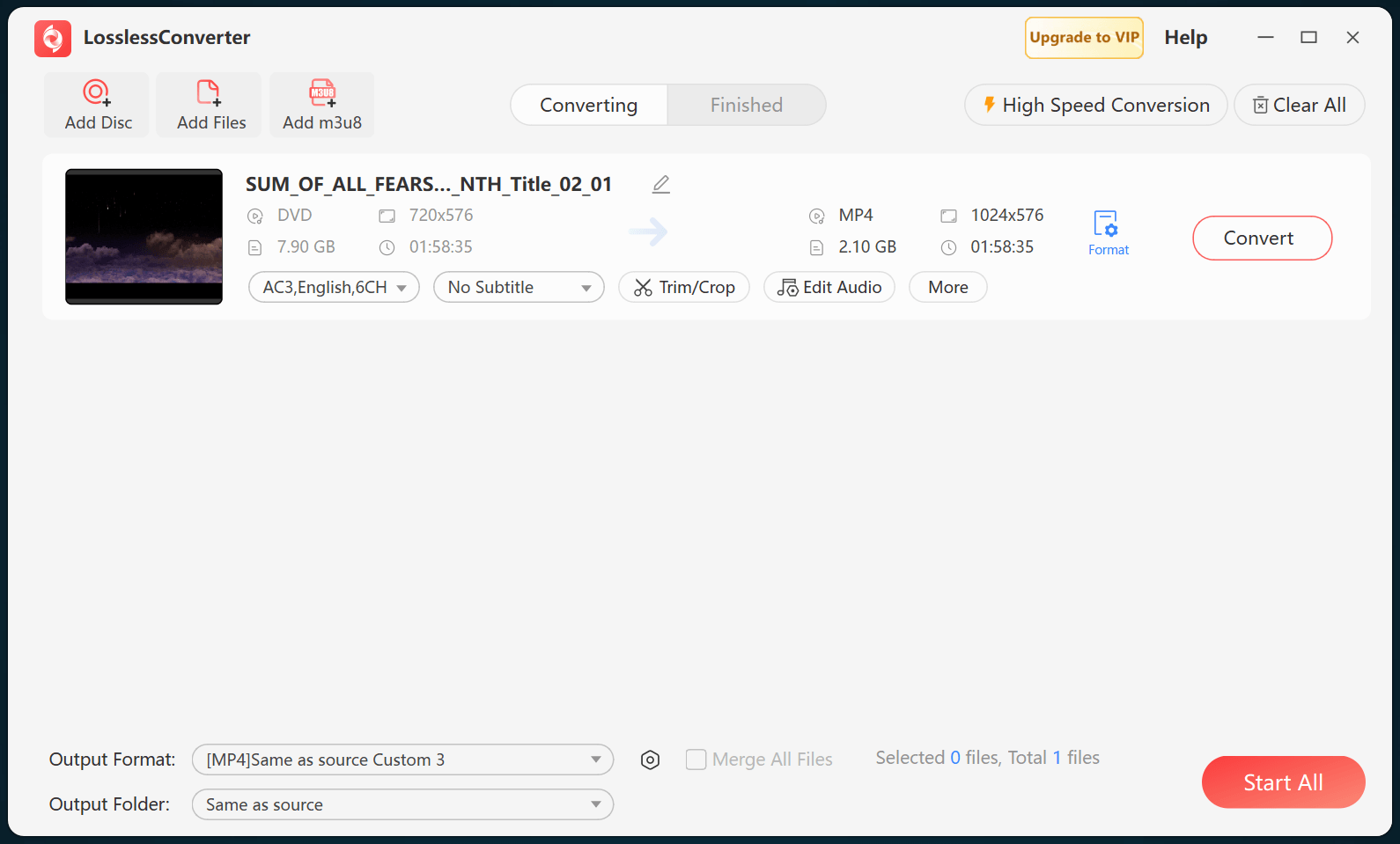
VOB is used in DVD-Video structures and can also appear as an isolated file. When the source is a disc or VIDEO_TS folder, select the correct title instead of joining VOB segments without checking their order, menus, or language tracks.
Choose playback or editing media
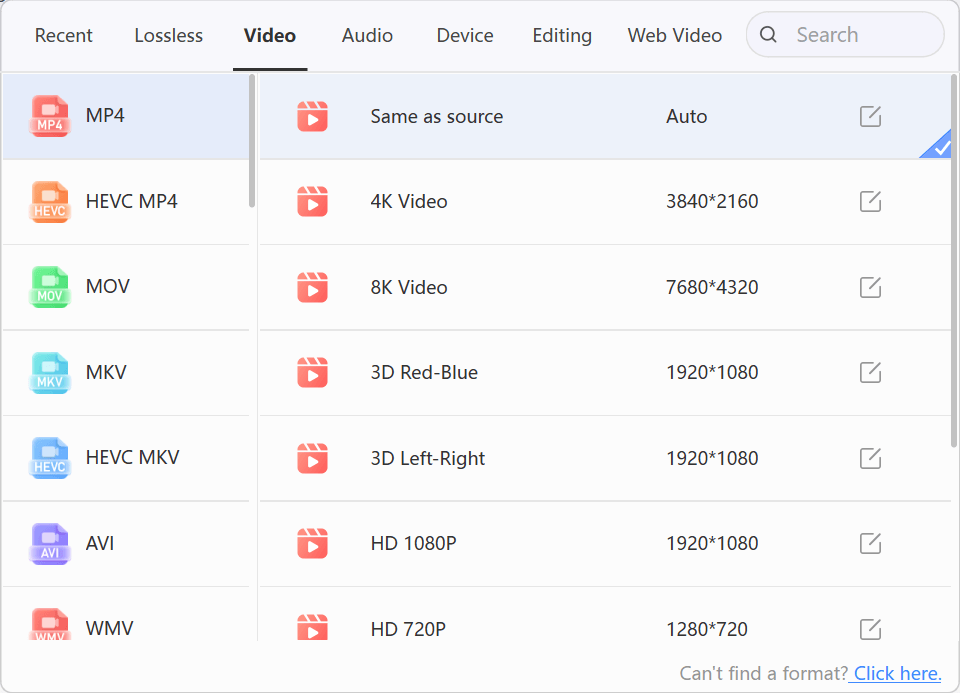
Use MP4 for broad playback or an application-specific editing profile for a timeline. Preserve the source aspect ratio, frame rate, and interlacing unless the destination requires an intentional change. A MOV container alone does not guarantee compatibility; the codecs inside it still matter.
DVD titles may span several VOB files and can include short menu or extras segments. Load the disc structure when possible so title order and track selection are interpreted before conversion.
Check title, audio, and sync
Verify that the output contains the intended program, audio language, subtitles, chapter order, and correct aspect ratio. Keep the original disc structure until the complete result has been checked.