AVI is a container
An AVI filename does not identify the video or audio codec inside the file. Compatibility depends on those codecs, their bit depth and frame rate, and whether the destination still provides the required decoder.
Choose an output for the destination
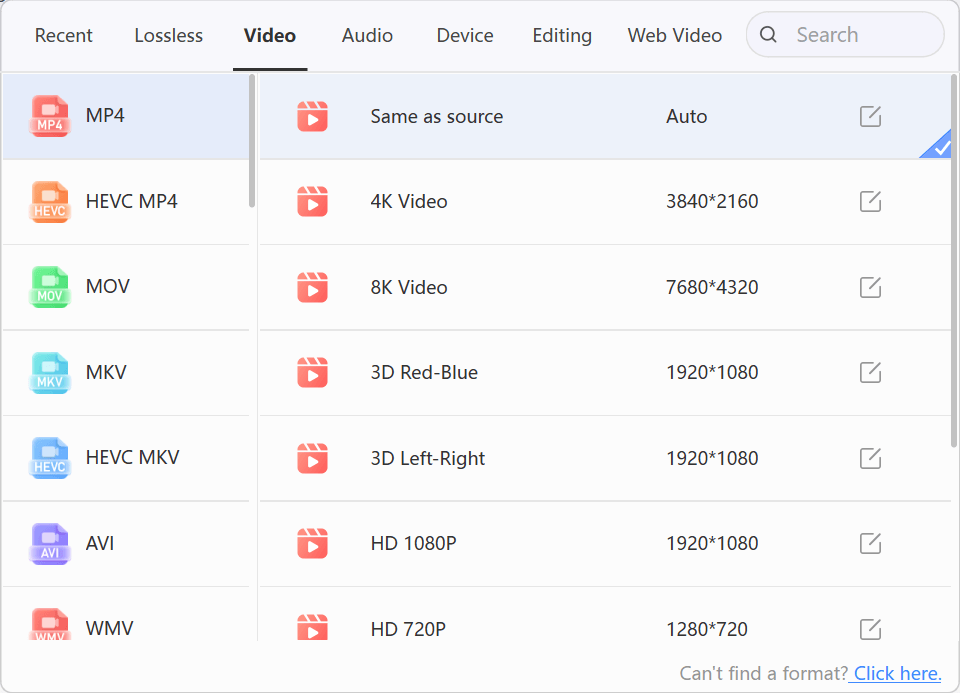
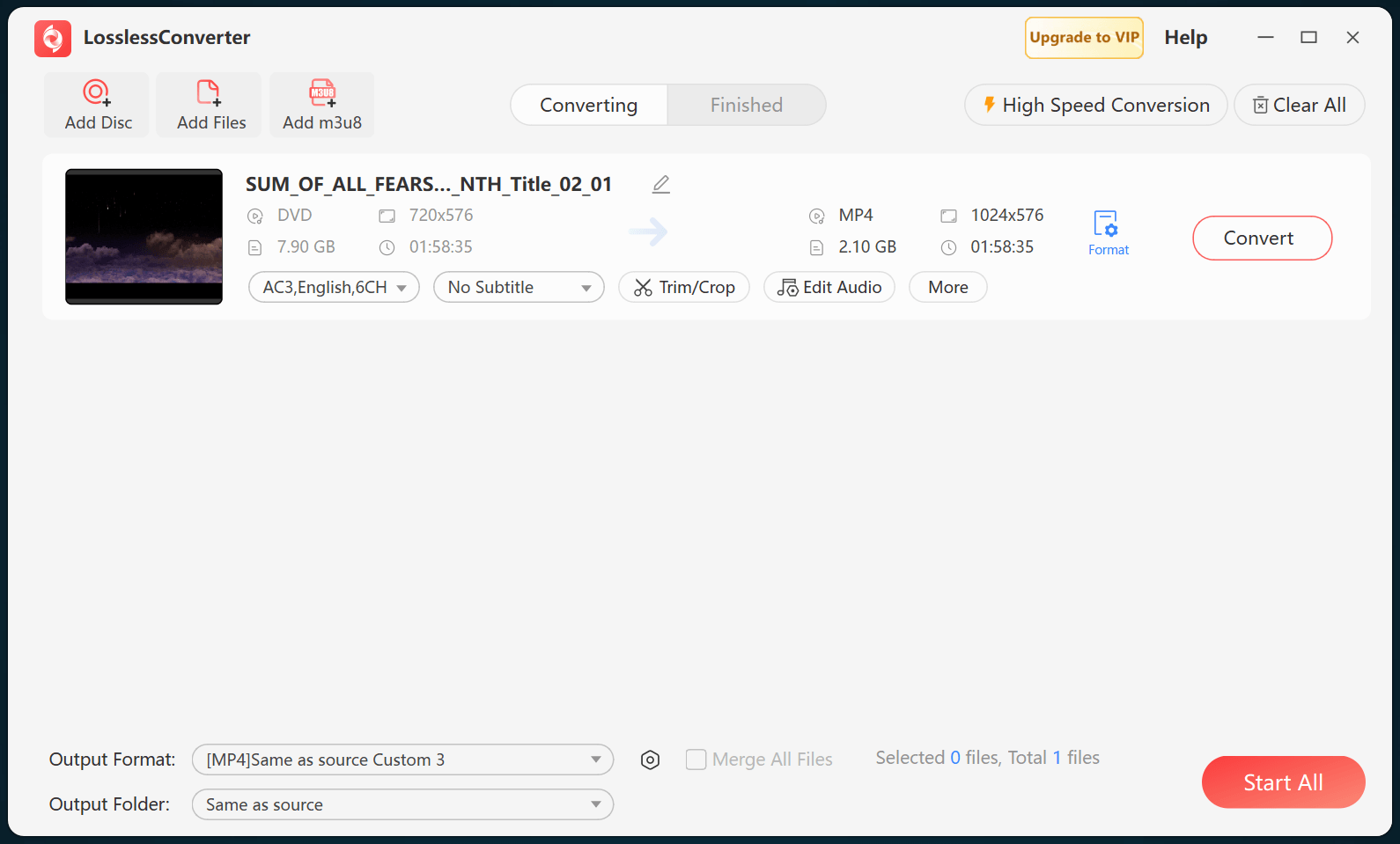
Use MP4 with H.264 and AAC for broad playback when the source does not already work. For editing, choose the application-specific profile or an intermediate codec that matches the project. Converting an AVI file cannot improve source detail that is not present, and every lossy transcode should be evaluated for quality.
Do not install an untrusted legacy codec pack simply to open one file. A compatibility copy isolates the old decoder requirement from the current editing or playback system.
Check the result
Preserve aspect ratio and frame rate unless the destination requires a change. Test picture, motion, audio, field order, and sync, especially with older AVI files that use interlaced video or uncommon audio codecs.