Disc video is not editing media
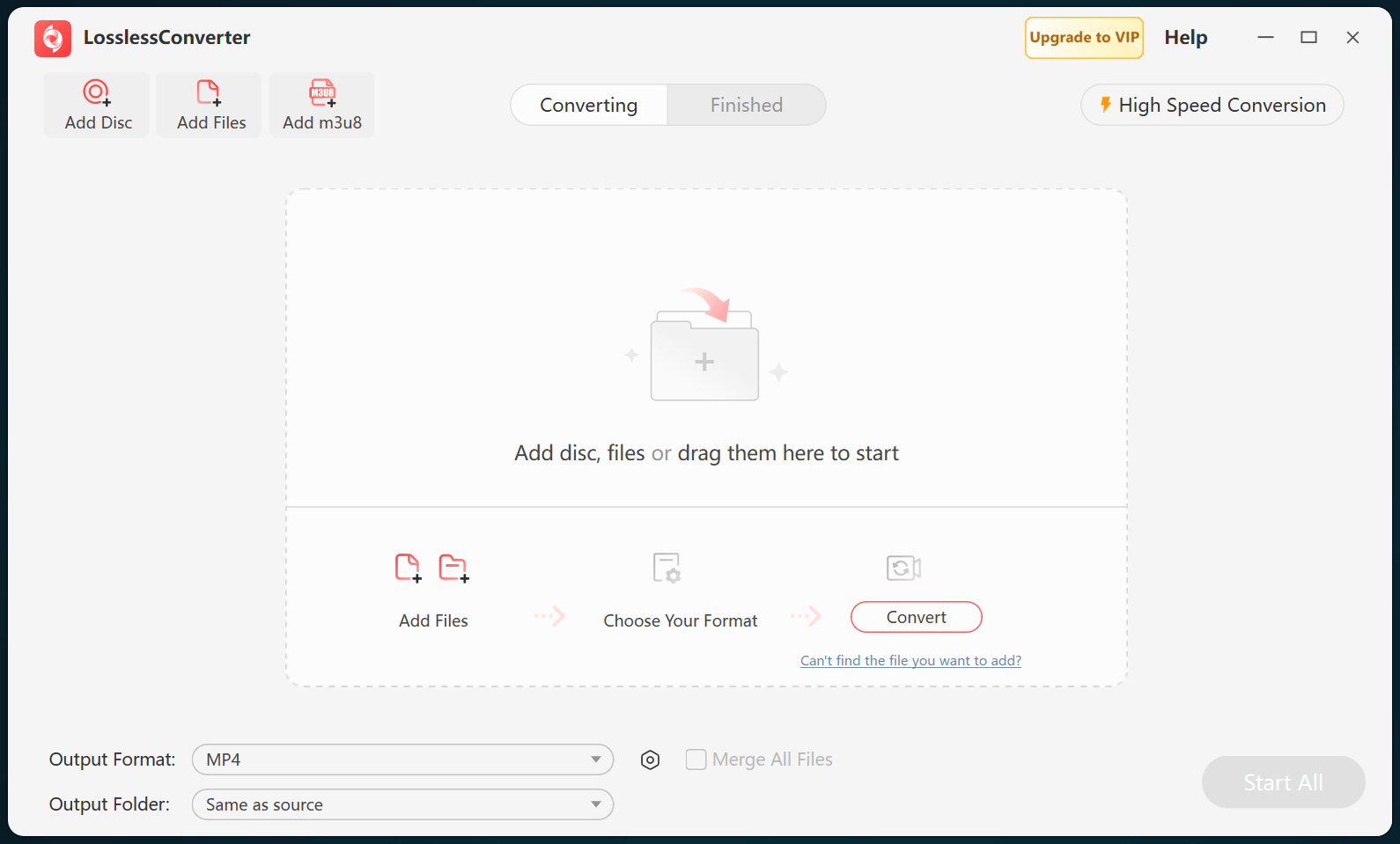
Video editors do not treat a DVD menu and VIDEO_TS structure as a normal timeline source. Load the disc, folder, or ISO and select the required title before creating a self-contained editing file. Do not concatenate individual VOB segments without confirming their order, aspect ratio, and language tracks.
Match the editor and project
Use ProRes for a supported Final Cut Pro or iMovie workflow, DNxHD or DNxHR where an Avid-oriented workflow requires it, or the destination-specific profile documented by the installed editor. Match the DVD frame rate, aspect ratio, and field order unless the project intentionally changes them. A codec choice should reduce timeline friction, not imply that standard-definition DVD footage gains detail.
Select tracks before conversion
Choose the correct title, chapter range, audio language, and subtitle stream. Burned-in subtitles become part of the picture; selectable subtitles require support from the output container and editor. Preserve the original disc structure and its metadata until the edit has been checked.
Test on the timeline
Import one output into the actual project and inspect picture geometry, interlaced motion, field order, audio channels, captions, chapter boundaries, and sync. A successful media-player test does not guarantee smooth timeline performance. Once the test passes, process the remaining titles with the same verified profile.