Understand MP4 compatibility
MP4 is a container, not a single codec. It can hold different video, audio, subtitle, and metadata formats, so a file may use an .mp4 extension and still fail in a player or editor when its internal codec, profile, bit depth, frame rate, channel layout, or subtitle format is unsupported. Check the streams before converting.
Choose the destination first
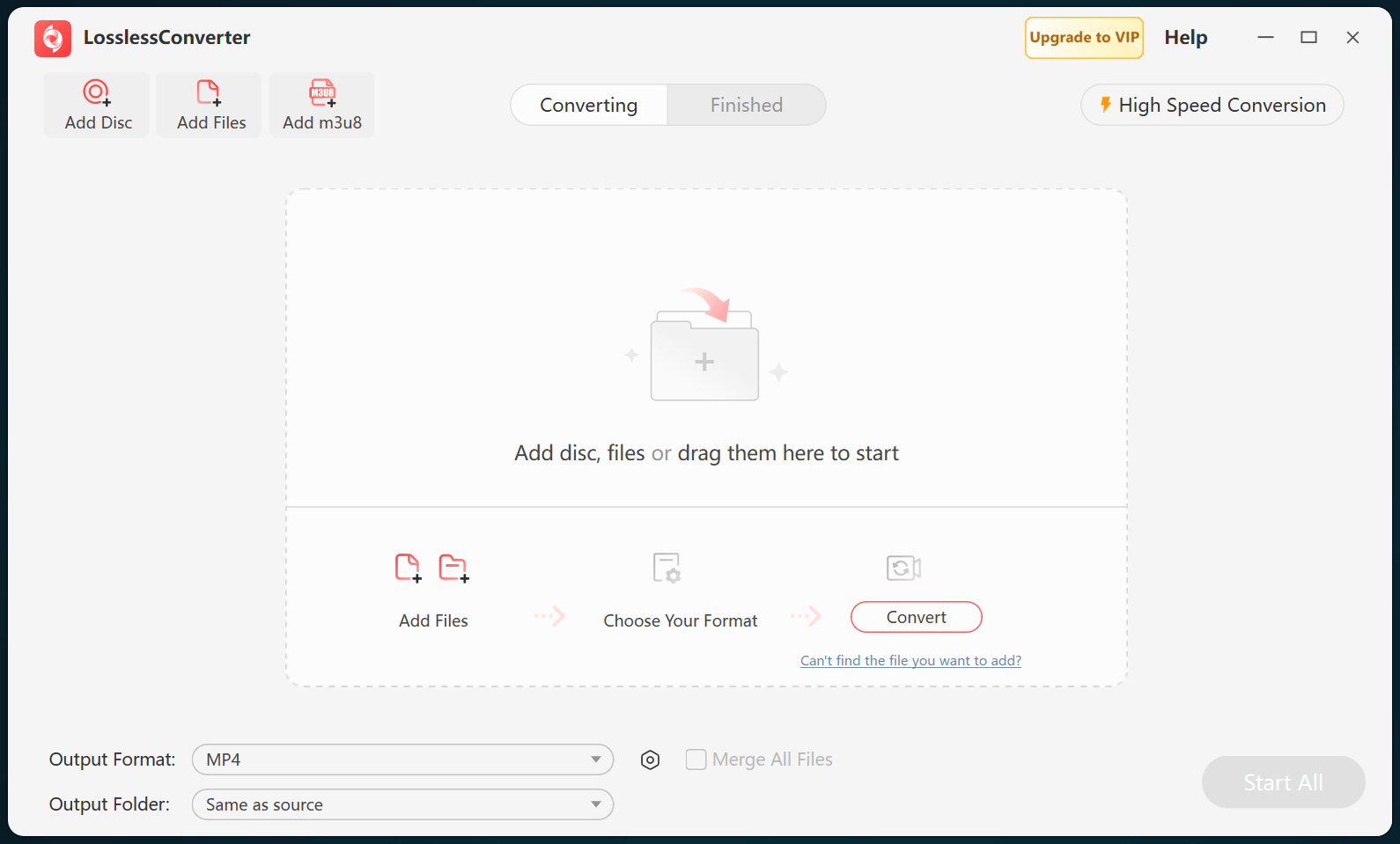
For broad playback, H.264 video with AAC audio in MP4 remains a practical starting point. Current phones, tablets, TVs, browsers, and media servers may also support HEVC, but support depends on the hardware, operating system, application, and profile level. For editing, use a destination-specific format such as ProRes or DNxHD, or the editing profile shown in LosslessConverter, rather than assuming every MP4 file is timeline-ready.
Keep source properties when possible
Start with the source resolution, frame rate, aspect ratio, and audio channel layout. Reduce resolution or bitrate only when storage, bandwidth, or device limits require it. Do not convert a file simply to change its extension, and do not call a re-encoded result lossless. Test a short output file in the actual destination and verify picture, motion, audio, subtitles, seeking, and sync before processing a complete library.