Prepare MKV for iPad playback
MKV is a container that can hold different video, audio, subtitle, attachment, and chapter formats. iPad playback therefore depends on the codecs inside the file and the media application you intend to use, not on the .mkv extension alone. Test a representative file in that app before converting the collection.
Check the MKV tracks before converting
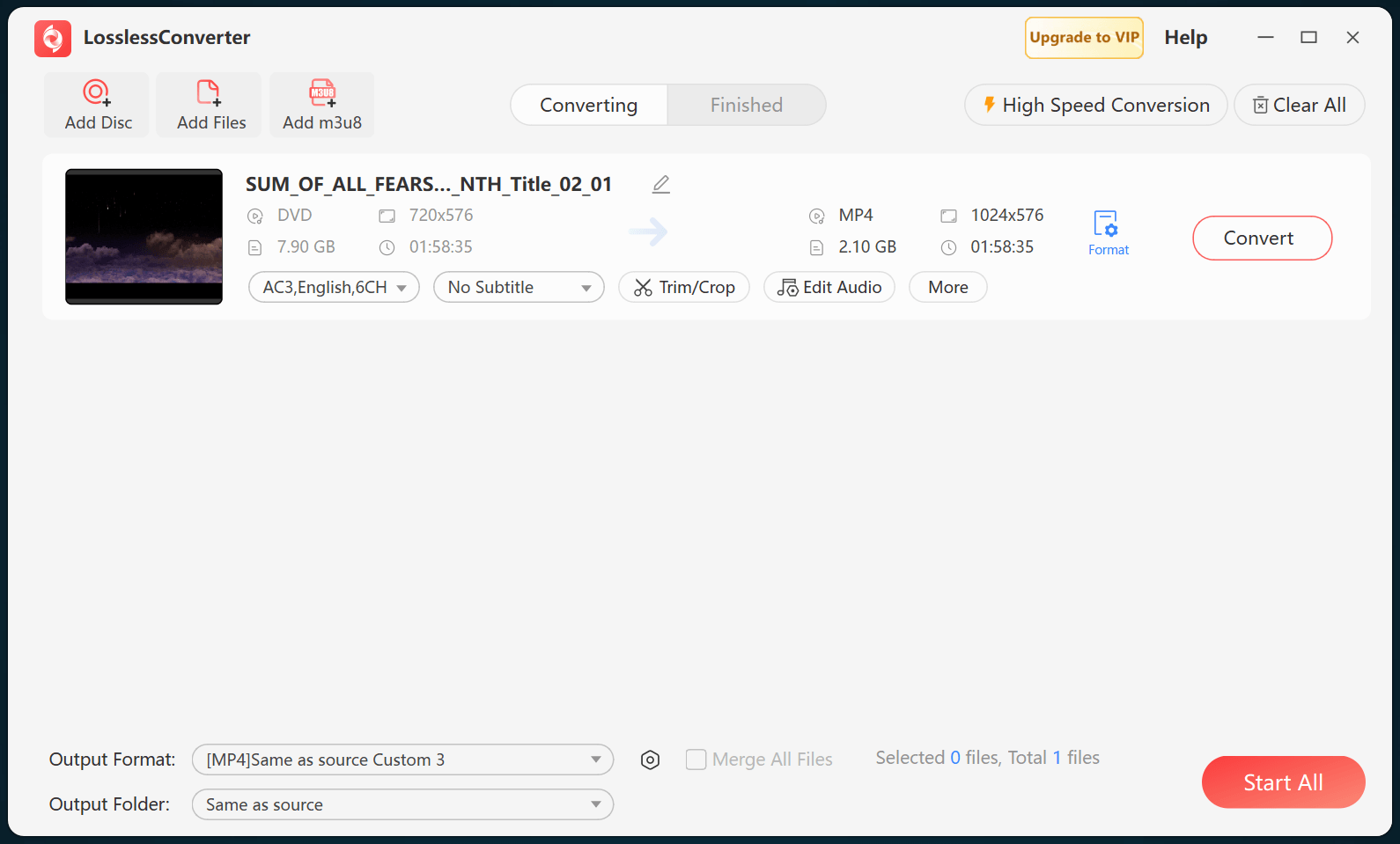
Identify the video codec and profile, audio codec and channel layout, subtitle type, chapter markers, and frame rate. Decide whether subtitles must remain selectable or can be burned into the picture. A player may open the container while rejecting one track, and a conversion profile may omit tracks that are not selected explicitly.
Create an iPad-compatible copy when needed
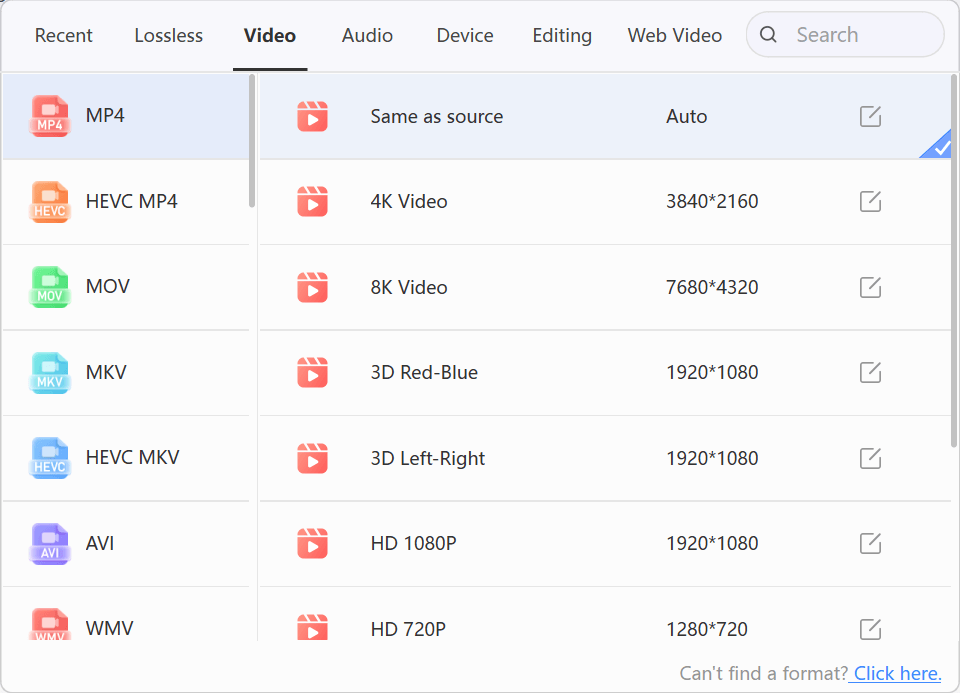
When the intended iPad app cannot decode the source, create an MP4 with H.264 video and AAC audio as a practical compatibility baseline. Preserve the source aspect ratio and frame rate, and limit resolution only when the device, storage, or delivery workflow requires it. Do not claim that re-encoding preserves every source detail.
Transfer and verify the result
Transfer one MP4 to the actual iPad and open it in the intended app. Check picture, audio language and channel mapping, selectable or burned subtitles, chapters, seeking, and sync from start to finish. Keep the original MKV until the test succeeds, then reuse the verified profile for the remaining files.