A legacy camera workflow reference
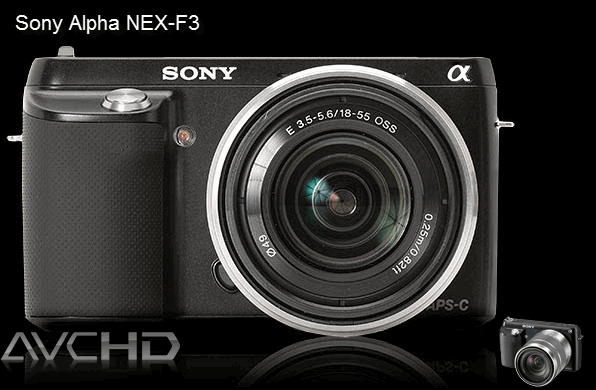
The Sony Alpha NEX-F3 is an older interchangeable-lens camera. This page helps owners identify and prepare recordings already made with it; it is not a current buying recommendation or a comparison with current Sony models. Keep the original card or backup untouched while you test a working copy.
Identify the recording mode
NEX-F3 media can include AVCHD video in an MTS-based camera structure as well as other recording options. Inspect the actual resolution, frame rate, scan type, audio, and file extension before choosing an output. AVCHD recordings may be interlaced, while another mode may use different dimensions or cadence. Preserve the complete PRIVATE or AVCHD folder when available because playlists and clip metadata can sit beside the video stream.
Try native import first
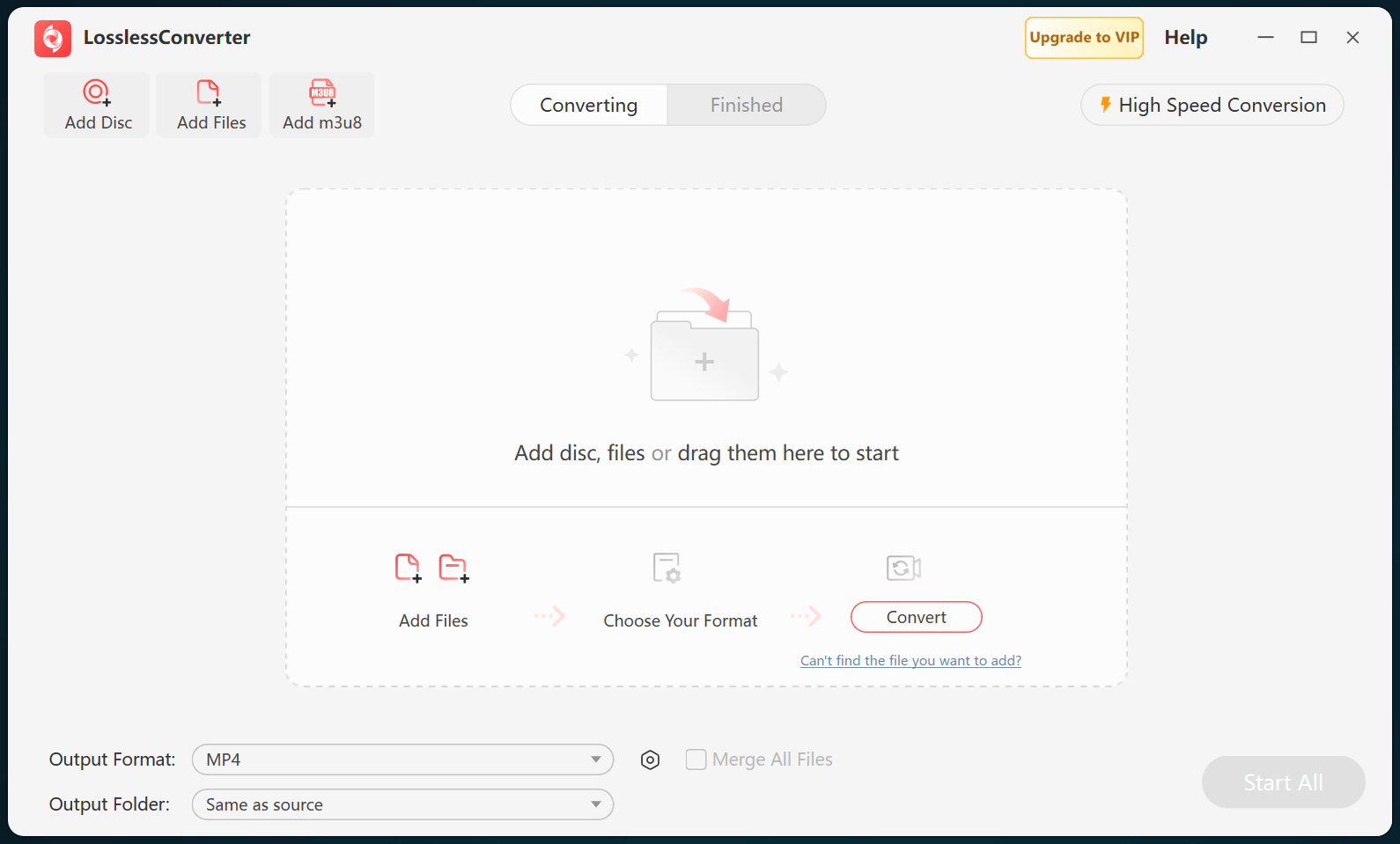
Current editors can import many AVCHD structures directly. Use the editor's camera-import command with the complete folder rather than dragging isolated MTS files when the folder is available. If the source mode, metadata, or long-GOP decoding is unsupported, create an editing copy such as ProRes or DNxHD that matches the project resolution and frame rate.
Verify motion and audio
Test one representative clip in the intended editor and inspect fine detail, interlaced edges, motion cadence, color, audio channels, and sync. Check the start, middle, and end of longer recordings, then keep the original card structure until every required recording and its converted copy have been verified.