Start with the current device
Phones, tablets, streaming boxes, and TVs do not read DVD-Video discs directly. Their supported containers and codecs vary by hardware, operating system, application, and age, so check the actual destination instead of selecting a preset for an unrelated legacy model. Note the device model, playback app, available storage, and whether the file will be copied locally or streamed.
Use a practical playback baseline
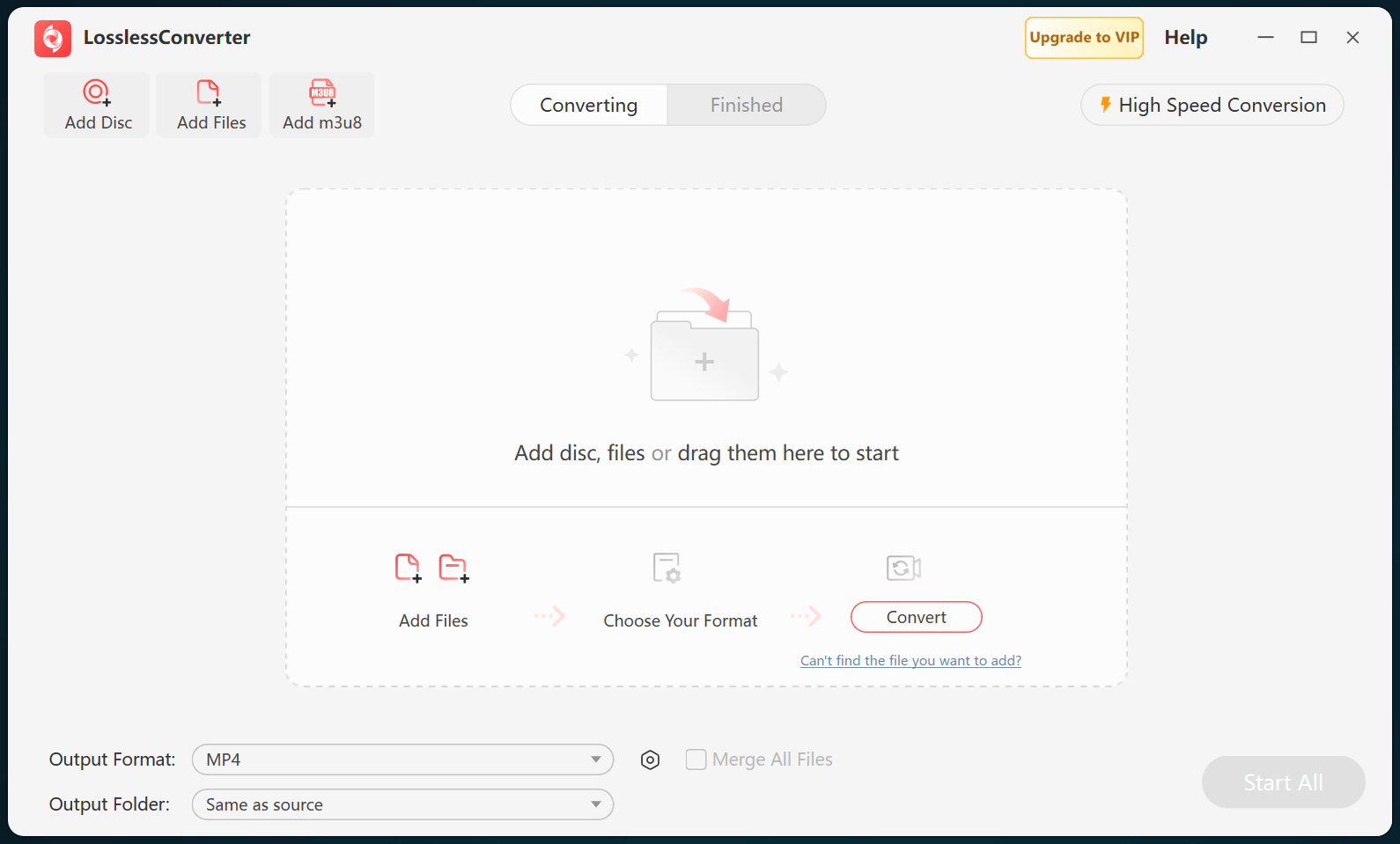
MP4 with H.264 video and AAC audio is a practical starting point for broad playback, but the container alone does not guarantee compatibility. Match the DVD source frame rate and preserve its display aspect ratio. Use the device resolution as a ceiling; enlarging standard-definition DVD video does not add real picture detail and can make compression artifacts more visible.
Choose audio and subtitles
Load the disc or VIDEO_TS structure so you can identify the correct title, chapter range, audio language, and subtitle stream before conversion. Selectable subtitles require support from both the output and the player. Burn subtitles into the picture only when they must always be visible, because burned text cannot be turned off or changed later.
Test on the actual device
Transfer one representative file and check picture geometry, motion, audio language, subtitles, seeking, and sync from beginning to end. Reduce resolution, bitrate, or audio complexity only when storage, network speed, or decoding performance requires it. Keep the original disc or folder until the result has passed this test.