Select the correct DVD title
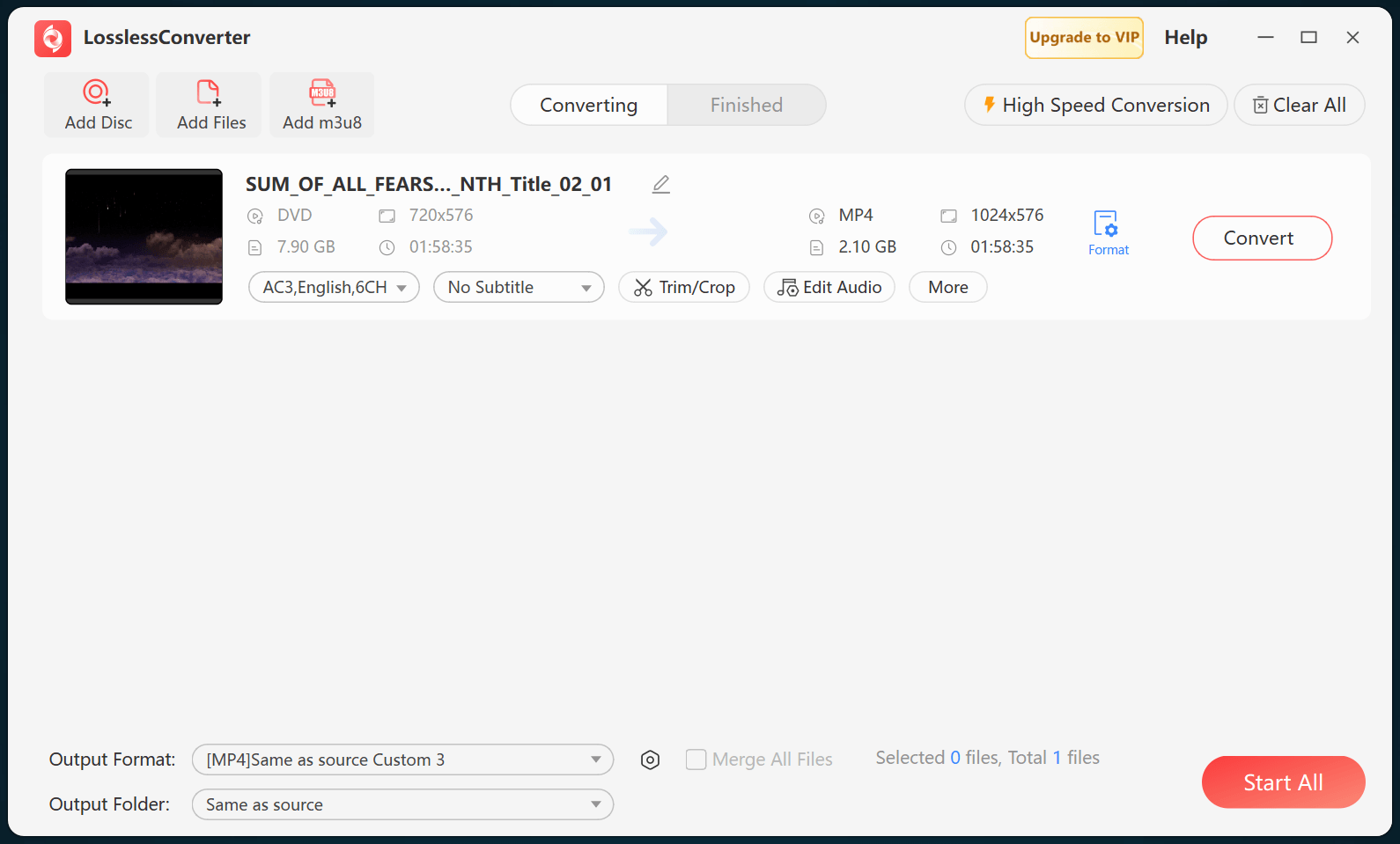
A DVD can contain a main feature, episodes, extras, menus, and short navigation titles. Load the disc structure or ISO and confirm the program, chapters, audio language, and subtitles before choosing a video format.
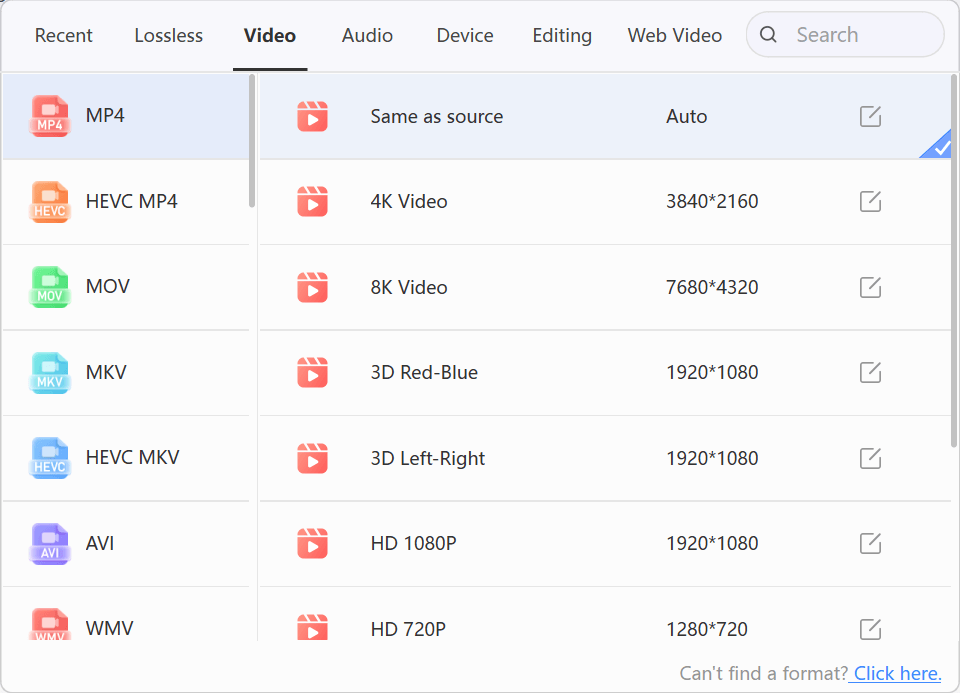
Choose a container for the destination
MP4 with H.264 and AAC is a practical baseline for broad playback. MKV is useful when multiple audio and subtitle tracks or chapters must remain together. MOV or an editing profile can be appropriate for a documented production workflow. AVI, WMV, FLV, and 3GP should be chosen only for a destination that specifically requires them.
Respect DVD picture properties
DVD video is standard definition and may be interlaced. Preserve its aspect ratio, frame rate, and field order unless the destination calls for deinterlacing or another deliberate change. Upscaling cannot recreate detail that is absent from the disc.
Verify the created file
Check the beginning, middle, and end for picture, audio, subtitles, chapters, and sync. Keep the DVD or source image until the complete file has passed playback in the intended destination.