 Guide topic preview
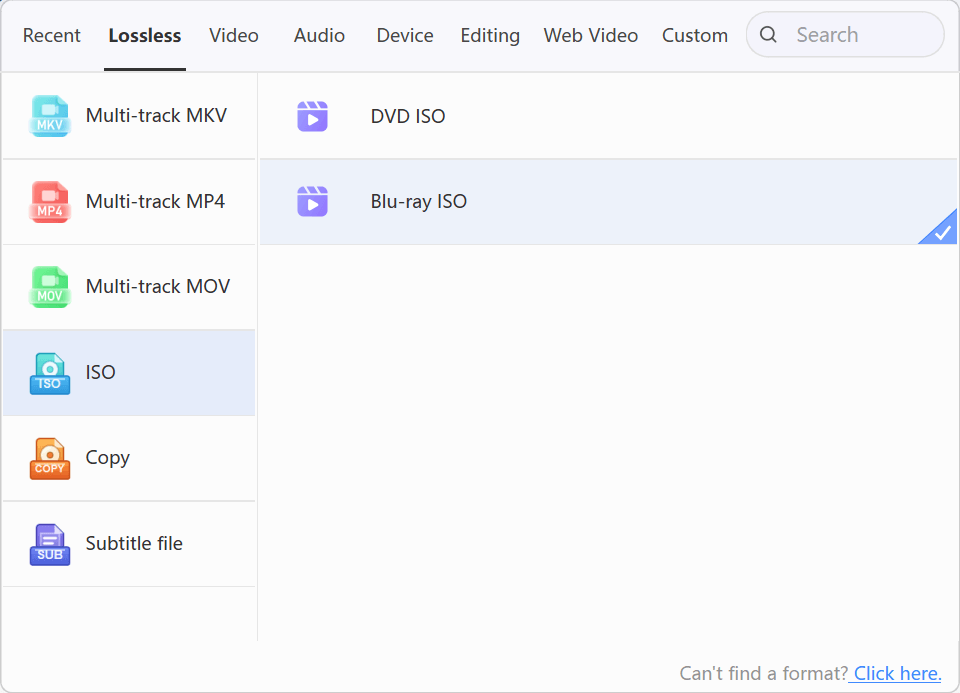
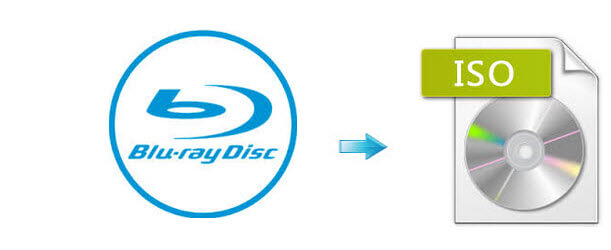
Create a Blu-ray ISO directly
A Blu-ray ISO stores the disc file system in one image file, making the title easier to archive, mount, or move without handling a separate BDMV folder.
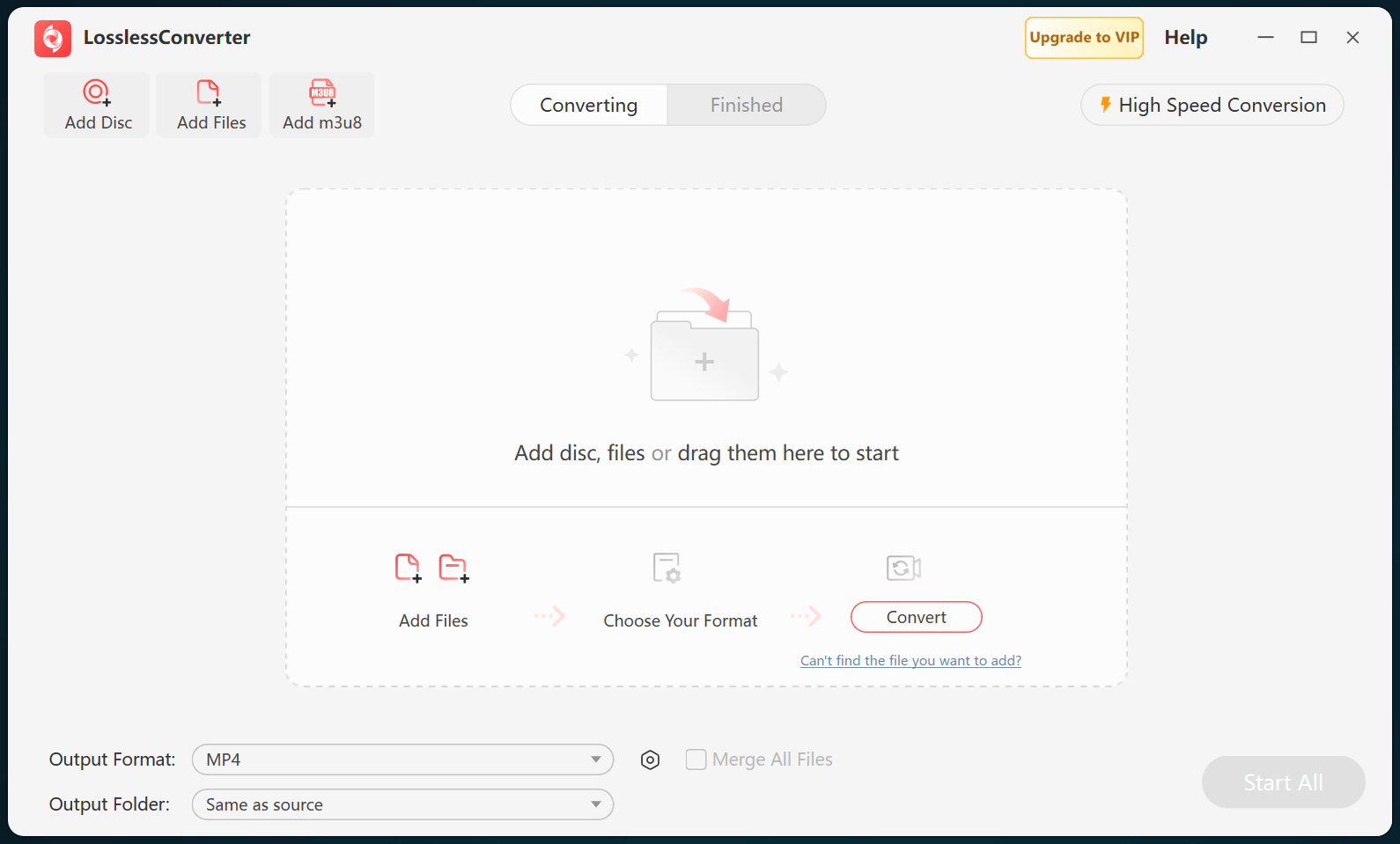
LosslessConverter can create the ISO from the loaded disc in one workflow. You need a readable Blu-ray drive and an output location with enough free space for the image.
How Blu-ray protection is handled
Commercial Blu-ray discs can combine more than one protection layer. LosslessConverter handles supported protection while reading the disc, so ISO creation does not require a separate decrypt-to-folder stage first.
- AACS encrypts the audio and video content stored on many commercial Blu-ray discs. A supported AACS source is decrypted as the disc is read.
- BD+ adds a title-specific protection layer on top of the disc content. When the disc version is supported, it is removed in the same import process as AACS.
- AACS Bus Encryption protects the data path between a compatible Blu-ray drive and the computer. When present and supported, this transfer-layer protection is removed during the same disc-reading process.
- Region A, B, and C controls are playback restrictions rather than encryption algorithms. Supported region checks are removed while the disc is read, so the resulting ISO is not tied to the original region setting.
Cinavia is an audio watermark, not disc encryption. BD-J and BD-Live provide Java-based navigation or online features and are also not encryption systems. They should not be described as additional decryption stages.
Keep disc structure together in a single image file.